


In today's digital-first world, choosing between Opera GX and Google Chrome can feel like picking sides in a never-ending debate. While Chrome has dominated the browser market for years, Opera GX has carved out a dedicated niche, especially among gamers and power users.
Both browsers are built on the Chromium engine, which means they share a lot of the same DNA, but they each have a unique approach to how you browse.
Now let's break it down feature by feature to see which one truly deserves a spot on your device in 2026.
What is Opera GX?
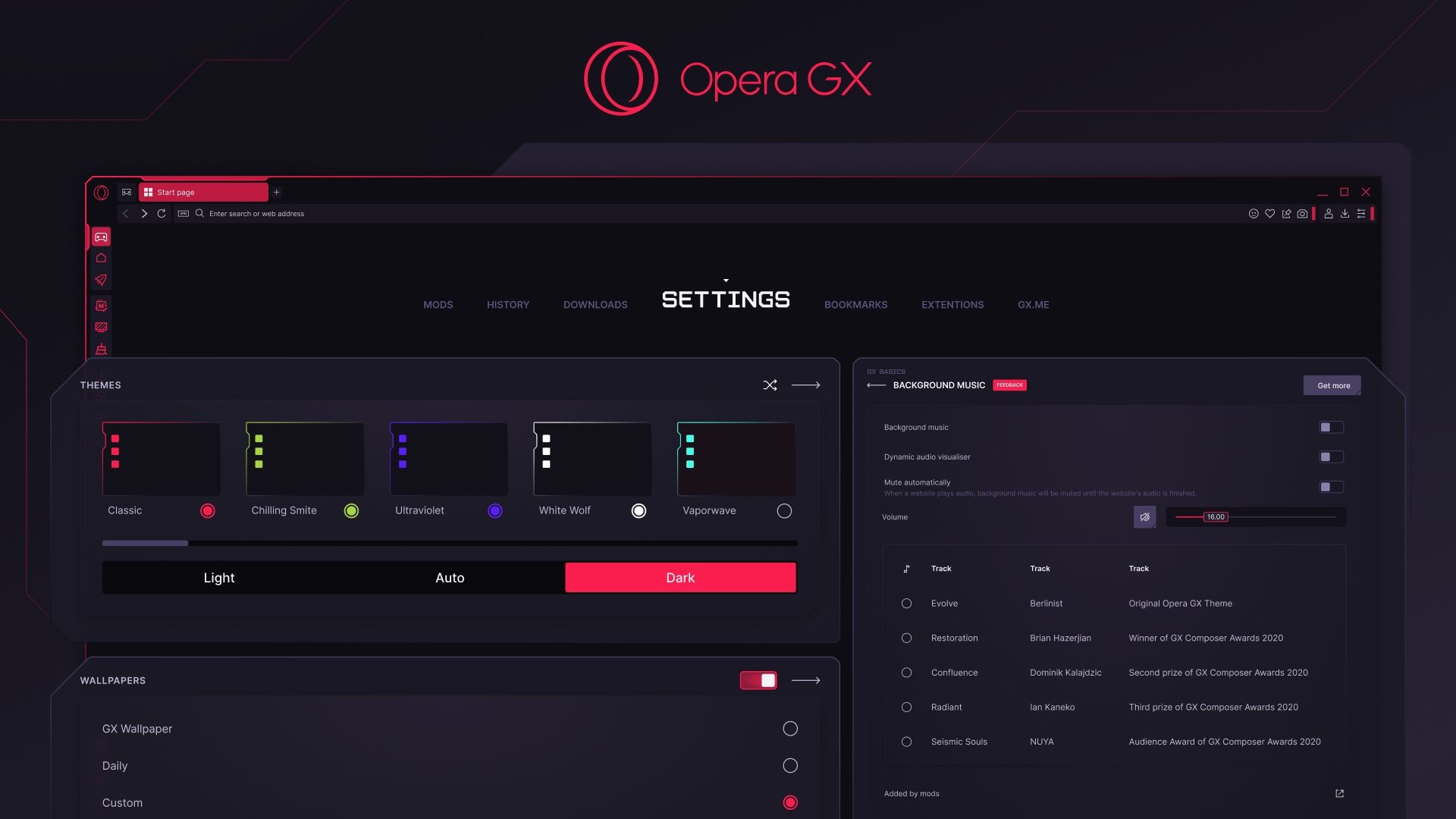
Opera GX is a web browser specifically designed for gamers. It’s built to give you more control over your system resources, ensuring that your browsing doesn't slow down your games.
It's best for anyone who games on their PC and wants a browser that won't get in the way of their gameplay.
Key Features
- GX Control: This is the flagship feature. It lets you set limits on how much RAM, CPU, and network bandwidth the browser can use. You can even enable a "RAM Limiter" to prevent it from consuming too much memory.
- GX Corner: A one-stop hub for all things gaming. It features a news feed with upcoming releases, gaming deals, and a calendar of events.
- Built-in Integrations: The sidebar is a command center. You can access integrated messengers like Discord, Twitch, and WhatsApp directly without opening a new tab.
Pros and Cons
Pros:
- Resource control for better gaming performance
- Built-in VPN and ad blocker
- Highly customizable with themes, sound effects, and mods
Cons:
- It can be overwhelming for non-gamers due to its many features
- Built-in VPN is more of a proxy and can significantly slow down speeds
- Concerns about privacy due to the parent company being based in China
Pricing
Opera GX is completely free to download and use. It makes money through partnerships and by directing users to specific search engines.
There are no paid tiers for the browser itself. However, a separate Opera VPN Pro service is available for a fee.
Click here to download
What is Google Chrome?
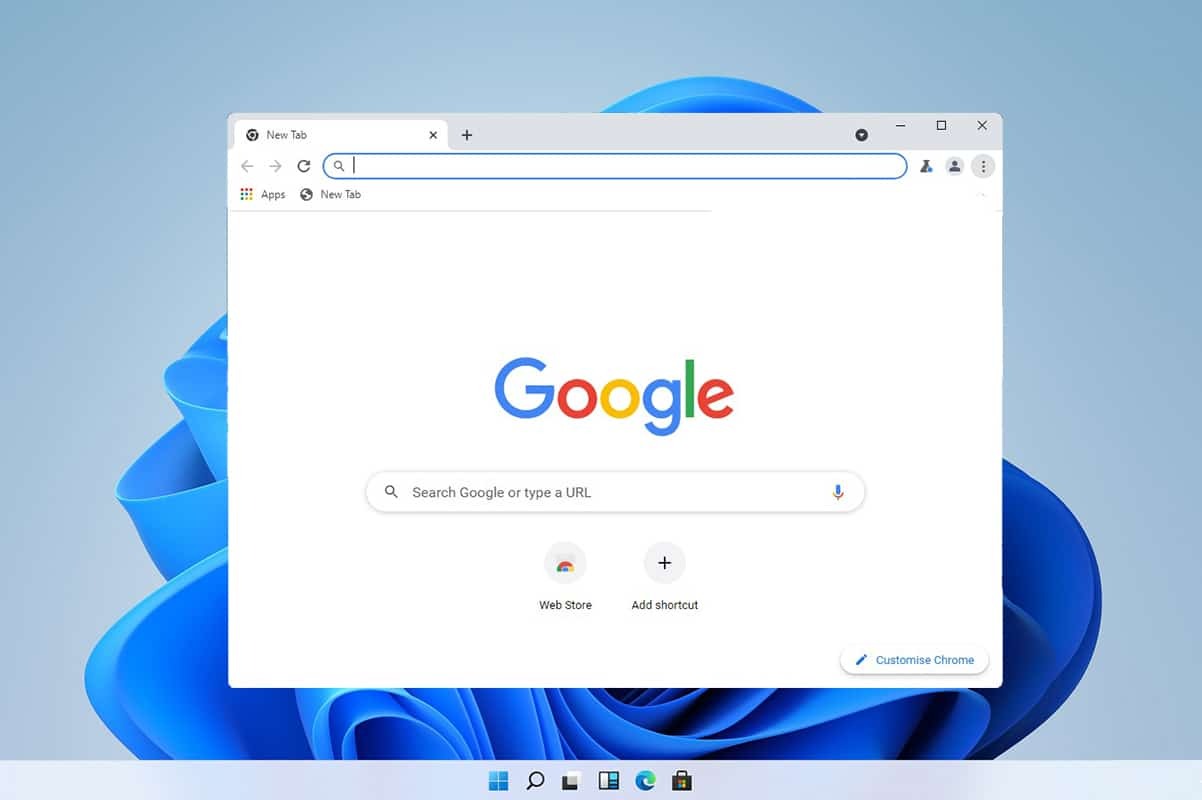
Google Chrome is the most popular web browser in the world. It’s known for its clean interface, speed, and deep integration with the Google ecosystem. It’s a versatile browser that's great for everyone from casual users to developers.
Key Features
- Seamless Google Integration: If you use other Google services like Gmail, Google Drive, or Google Docs, Chrome syncs your data seamlessly across all your devices.
- Vast Extension Library: The Chrome Web Store has the largest collection of extensions and add-ons of any browser, letting you customize your experience with tools for almost any task.
- Regular Updates: Google consistently rolls out security patches and new features, keeping the browser fast and safe.
Pros and Cons
Pros:
- Clean, simple, and intuitive user interface
- Extensive library of extensions
- Excellent performance and speed on most systems
Cons:
- Known for being a memory hog, especially with many tabs open
- Major privacy concerns due to Google's data collection practices
- Doesn't offer built-in privacy tools like a VPN or ad blocker
Pricing
Google Chrome is completely free to download and use. The cost is essentially your data, which Google uses to improve its services and for targeted advertising. There are no paid versions of the consumer browser.
Click here to download
Opera GX vs Chrome: Feature-by-Feature Comparison
Ease of Use
Chrome wins here for its pure simplicity. Its user interface is minimal and easy to understand from the first time you open it.
Opera GX has a lot going on, from the sidebar to the GX Corner, which can be a lot to take in for a new user. While the features are powerful, the learning curve is steeper.
Features & Functionality
This is where Opera GX shines. It has a built-in VPN, ad blocker, and social media integration right out of the box. You also get unique tools like GX Control to manage resources.
Chrome, on the other hand, relies heavily on its extension library to add functionality. While you can get many of the same features through extensions, it takes more work to set up.
Performance & Reliability
Both browsers are fast, but their approach to performance is different. Chrome is fast on its own, but it can slow down a PC when you have too many tabs open due to high RAM usage.
Opera GX's resource limiters give you control, which means you can manually prevent it from hogging your system. For gamers and multitaskers, this is a significant advantage.
Pricing
Both browsers are free, so it’s an even playing field in terms of cost. The value comes down to what you get for free.
Opera GX gives you a built-in VPN and ad blocker, while Chrome gives you seamless integration with the Google ecosystem.
Compatibility & Platforms
Both browsers are available on all major platforms. You can use Opera GX and Chrome on Windows, macOS, iOS, and Android. Both also offer syncing between devices, so you can access your bookmarks and history from anywhere.
Comparison Table
|
Category |
Opera GX |
Google Chrome |
|
Best For |
Gamers and power users |
Everyday users and professionals |
|
Platform |
Windows, macOS, iOS, Android |
Windows, macOS, iOS, Android |
|
Price |
Free |
Free |
|
Fileion Rating |
4.7/5 |
4.5/5 |
Final Verdict
If you are a PC gamer or a power user who constantly has multiple apps running, Opera GX is your best bet. Its resource-limiting features give you a level of control that Chrome simply can't match. The built-in tools also save you the trouble of hunting for extensions.
However, if you're a casual user who values simplicity and a clean, familiar interface, Google Chrome remains a solid choice. Its extensive extension library and deep integration with the Google ecosystem are unmatched. The choice is yours, download your favorite today and see the difference for yourself!
FAQs
Q1: Is Opera GX better than Google Chrome for beginners?
Ans: Google Chrome is generally better for beginners due to its simple, clean interface and lack of overwhelming features.
Q2: Does Opera GX have better value than Chrome?
Ans: Opera GX offers better value with its built-in VPN, ad blocker, and resource control features, all for free, which Chrome doesn't provide natively.
Q3: Which one is faster, Opera GX or Chrome?
Ans: Both are fast, but Opera GX gives you the tools to control its resource usage, which can make your overall system feel faster when multitasking or gaming.
Q4: Can I switch from Chrome to Opera GX easily?
Ans: Yes, you can easily import your bookmarks, passwords, and history from Chrome into Opera GX during the setup process.


