


The choice of an office suite is a big deal, especially when both options look glamorous. It determines how easily you complete assignments, share files, and collaborate on group projects. For years, LibreOffice and WPS Office have battled to be the top free alternative to Microsoft Office.
LibreOffice offers a completely open-source, community-driven experience. WPS Office counters with a smarter, more modern interface that feels just like what you’re used to. Both let you write documents, create spreadsheets, and build presentations without paying a dime.
But which one truly fits the demanding life in 2025? It’s time to find out. Now let’s break it down feature by feature to see which one truly deserves a spot on your device in 2025.
What is LibreOffice?
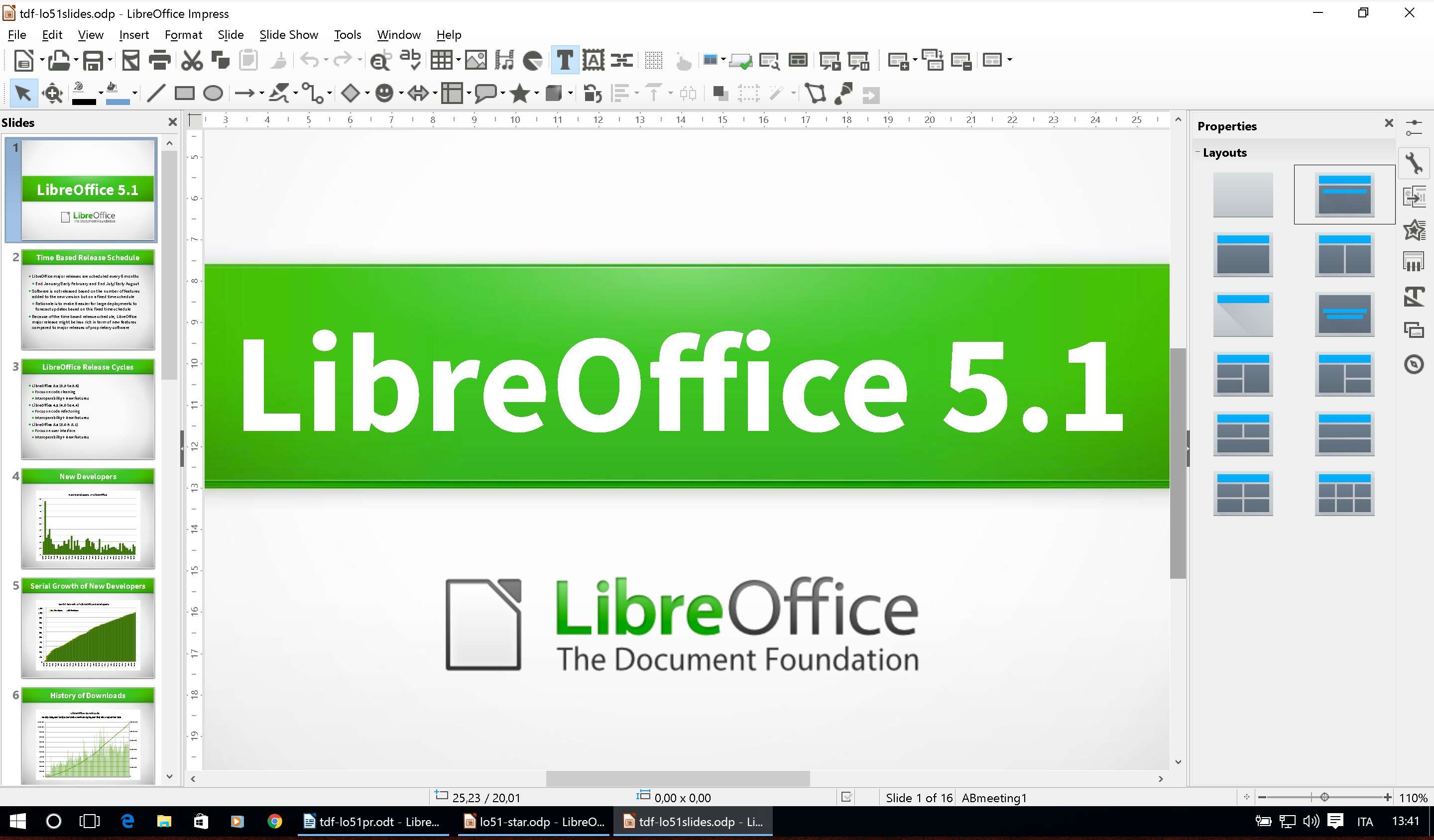
LibreOffice is a powerful, free, and open-source office suite run by a non-profit foundation. It’s perfect for users who prioritize privacy, cost savings, and the full control of open-source software. This suite includes six applications for almost any productivity need.
Key Features
Writer: The word processor that supports a wide range of formats, including Microsoft's .docx.
Calc: A spreadsheet tool with advanced features like pivot tables and complex formulas, similar to Excel.
Impress, Draw, Base, and Math: A complete suite including presentation software, a vector graphics editor, a database tool, and a formula editor.
Open Document Format (ODF): Uses the ODF as its default, an international standard that guarantees your documents will remain accessible forever.
Pros and Cons
Pros:
-
Completely free with no hidden fees, ads, or restricted features.
-
Strong focus on user privacy and data security since it is open-source.
-
Cross-platform support for Windows, macOS, and Linux (native).
-
Includes a dedicated database application (Base).
Cons:
-
The user interface is often described as dated and less modern than competitors.
-
File compatibility with complex Microsoft Office documents can sometimes cause formatting issues.
-
No official, dedicated mobile applications for iOS or Android.
Pricing
LibreOffice is 100% free for all users—students, businesses, and individuals.
Download Link
What is WPS Office?
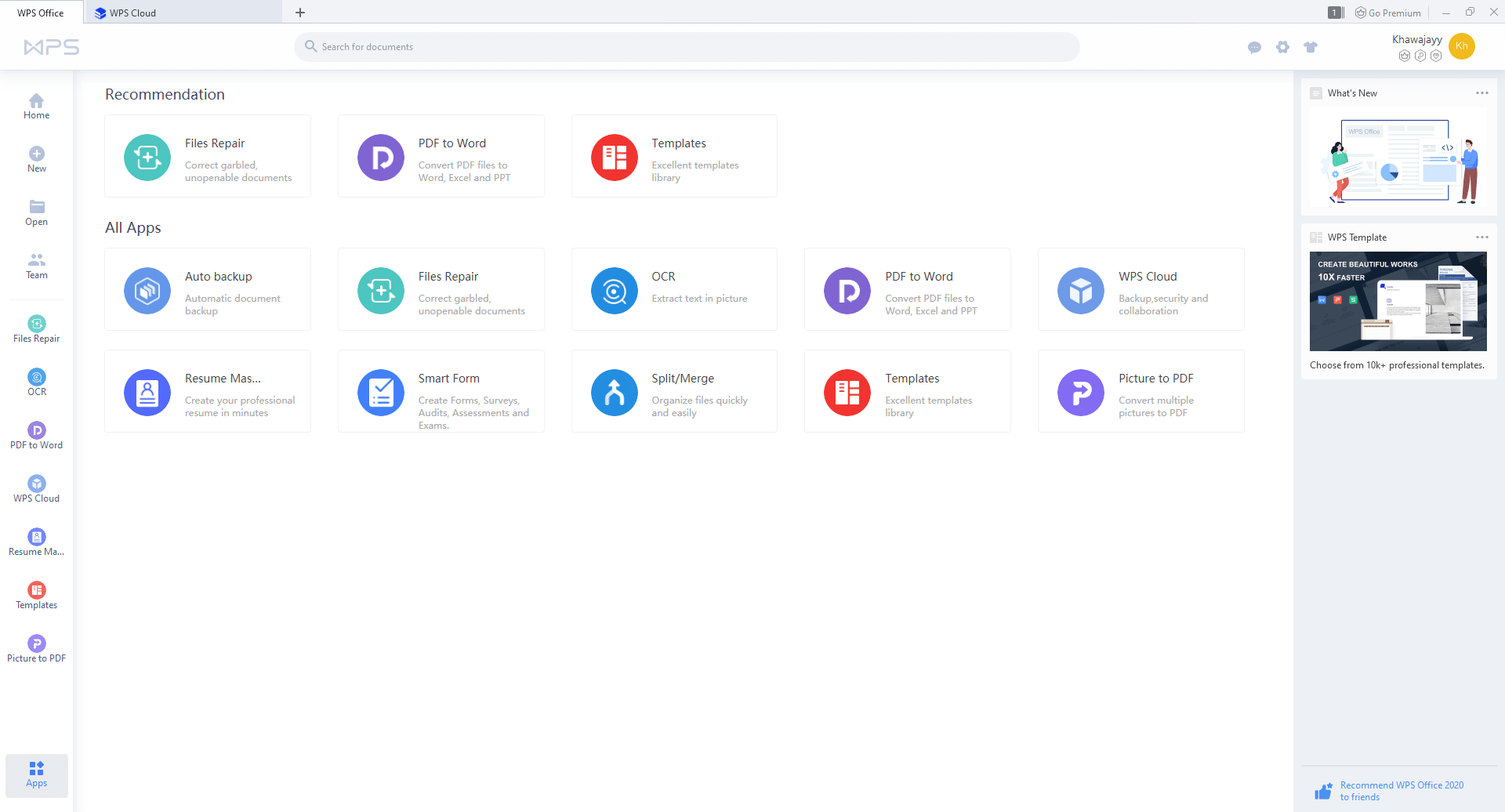
WPS Office is a sleek, cross-platform office suite known for its superior compatibility with Microsoft Office file formats. It’s the ideal choice for students who need a familiar interface and reliable document sharing without breaking the bank. It combines Writer, Spreadsheets, Presentation, and a PDF editor into one app.
Key Features
Microsoft Office Compatibility: Excellent at preserving formatting when opening and saving in MS Office formats like .docx, .xlsx, and .pptx.
Built-in PDF Tools: Includes a comprehensive PDF reader and editor right in the suite, which is a major convenience for students.
Modern, Tabbed Interface: Features a contemporary ribbon interface similar to Microsoft Office and allows opening multiple documents in a single, tabbed window.
Massive Template Library: A vast and professional collection of templates for everything from resumes to class presentations.
Pros and Cons
Pros:
-
Outstanding compatibility with MS Office formats, reducing errors in group work.
-
Modern, familiar user interface makes switching from MS Office very easy.
-
Available on all major platforms, including dedicated, functional mobile apps (iOS and Android).
-
Built-in PDF editing and conversion tools are highly useful.
Cons:
-
The free version contains advertisements and limits some features like advanced PDF editing.
-
Lacks a dedicated database program like Access or LibreOffice Base.
-
Certain advanced functions like AI-powered tools and cloud storage are locked behind the paid Pro plan.
Pricing
WPS Office provides a free standard plan and affordable premium options, making it a versatile alternative to Microsoft Office.
-
WPS Standard (Free): Includes all basic office tools with support for 47 file formats and 46 languages. Comes with 1 GB of cloud storage, basic PDF features, a free PDF reader, and limited template downloads.
-
WPS Pro ($2.49/month, billed annually at $29.88): Unlocks full PDF editing and conversion, advanced text recognition, electronic signatures, unlimited template downloads, 20 GB of cloud storage, and an ad-free experience.
-
WPS AI ($9.99/month, billed annually at $119.88): Designed for AI-powered productivity, it adds unlimited access to AI Writer, AI Chat PDF, AI Spell Check, AI Parallel Translate, AI Slides, and AI WPS Photos with advanced tools like background removal and text extraction.
-
WPS Pro + AI ($10.83/month, billed annually at $129.99): Combines everything in WPS Pro with all AI-powered tools for the most complete experience.
All paid plans include a 30-day money-back guarantee, secure payments, and cross-platform availability on PC, Android, iOS, Mac, and Linux.
Click here to download
LibreOffice vs WPS Office: Feature-by-Feature Comparison
Ease of Use
WPS Office wins here. Its user interface is a near-perfect clone of the modern Microsoft Office ribbon, which is what most students are already familiar with. The tabbed document view, where multiple files open in one window, is fantastic for multitasking.
LibreOffice, while highly customizable and functional, has a more traditional, older look. For a new user, finding tools can sometimes feel less intuitive.
Features & Functionality
LibreOffice has a more complete suite, offering Base (database) and Draw (vector graphics). This is a functional advantage for specialized courses. However, for the core apps (Writer, Calc, Impress), WPS Office has a functional edge in two key areas:
-
PDF: WPS includes native, powerful PDF editing and conversion. LibreOffice’s PDF capabilities are more basic.
-
Templates: WPS has a much larger, more modern library of ready-made templates, saving students valuable time.
Performance & Reliability
This depends heavily on your system. LibreOffice is often cited as being lighter and faster on older or low-spec computers because of its open-source nature. It tends to run smoothly. WPS Office is very reliable, but some users have reported that its advanced features and cloud integration can occasionally cause it to feel slightly slower or heavier on system resources. Both are stable.
Pricing
LibreOffice is the clear winner for pure value—it's $0, completely free, forever. WPS Office's "free" version is excellent but includes ads and restricts some handy features. If you need ad-free use or advanced PDF tools, you must pay for WPS Pro.
Compatibility & Platforms
|
Platform |
LibreOffice |
WPS Office |
|
Windows/macOS/Linux |
Yes (Native) |
Yes (Native) |
|
iOS/Android (Mobile) |
No (Only 3rd Party) |
Yes (Dedicated Apps) |
|
MS File Format |
Good (May lose complex formatting) |
Excellent (Preserves formatting) |
WPS Office is superior for users who switch between a laptop and a mobile device or who constantly share files with MS Office users. LibreOffice is better for Linux users and those who value the Open Document Format.
Comparison Table
|
Category |
LibreOffice |
WPS Office |
|
Best For |
Power users, Linux users, ultimate privacy, zero-cost. |
Students, MS Office switchers, mobile users, superior compatibility. |
|
Platform |
Win, macOS, Linux (Desktop only) |
Win, macOS, Linux, iOS, Android (Mobile) |
|
Price |
100% Free |
Free with ads/limits; Paid Pro version available. |
|
MS Compatibility |
Good (Minor formatting issues possible) |
Excellent (High fidelity) |
|
Core Components |
Writer, Calc, Impress, Draw, Base, Math |
Writer, Spreadsheets, Presentation, PDF Editor |
|
Fileion Rating |
4.0/5.0 |
4.5/5.0 |
Final Verdict
Both LibreOffice and WPS Office are excellent free office suites for students in 2025. Your final choice depends entirely on your needs.
Choose LibreOffice if:
-
You need 100% zero-cost software without ads, regardless of features.
-
You run Linux or prefer true, open-source freedom and data privacy.
-
You need the advanced components like Base (database) or Draw (vector graphics).
Choose WPS Office if:
-
Your assignments involve a lot of group work where you need perfect MS Office file compatibility.
-
You want a modern, familiar ribbon interface and a huge library of templates to speed up your work.
-
You often work on the go and need dedicated, well-developed mobile apps.
For the average student who constantly shares documents with professors and peers using Microsoft Office, WPS Office is the marginally better choice due to its superior file compatibility and modern, intuitive interface, even with the free version’s ads.
Ready to start that term paper? Pick the suite that fits your workflow and get productive!
FAQs
What is the biggest advantage of WPS Office over LibreOffice?
Ans: The biggest advantage of WPS Office is its near-perfect fidelity when opening and saving Microsoft Office files. This means less worry about formatting breaking when sharing documents with others who use MS Word or Excel.
Is LibreOffice truly 100% free?
Ans: Yes, LibreOffice is completely free, open-source software with no paid tiers, no ads, and no locked features.
Does WPS Office offer a dedicated database program?
Ans: No, WPS Office does not include a dedicated database program equivalent to Microsoft Access or LibreOffice Base. If you need database management, LibreOffice is the better free option.
Which one has better mobile support?
Ans: WPS Office has a clear advantage with dedicated, feature-rich apps for both iOS and Android, allowing you to edit and create documents easily on your smartphone or tablet.
Which is better for a low-spec laptop?
Ans: LibreOffice is often cited as being lighter and faster, making it a better choice for older or low-spec computers where system performance is a concern.


