


The world of download managers has an intense rivalry at its core. On the one hand, you have the veteran champion, Internet Download Manager (IDM), known for its lightning-fast speed. On the other hand, the capable challenger, Ant Download Manager (AntDM), which offers a modern look and strong video-grabbing features.
Both promise to speed up your downloads and organize your files better than your browser can. But which one is the right fit for your daily needs in 2025?
Both IDM and AntDM are tools designed to accelerate your file and media downloads by splitting files into smaller parts and downloading them simultaneously. This multi-threaded downloading increases your speed and makes paused downloads easy to resume. They both also feature smart video grabbers to help you download streaming content.
Now let’s break it down feature by feature to see which one truly deserves a spot on your device in 2025.
What is Ant Download Manager?
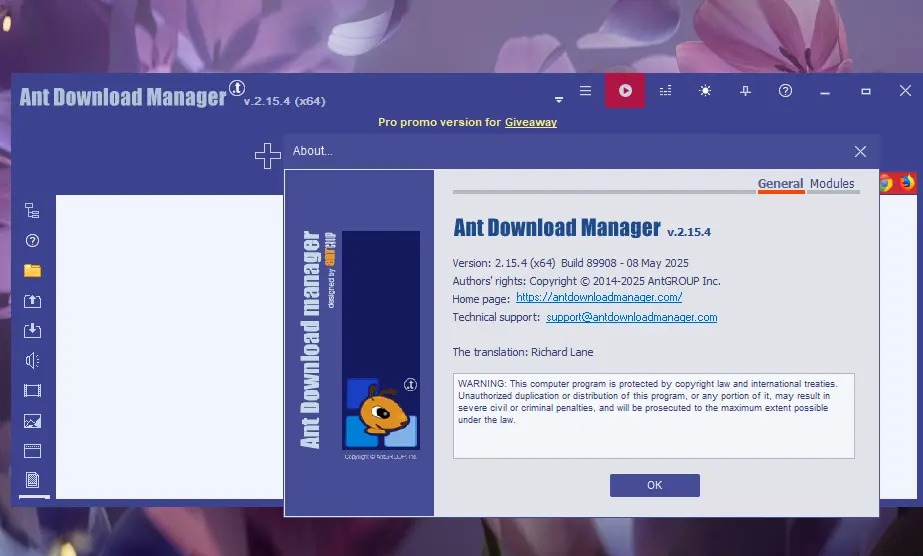
Ant Download Manager (AntDM) is a robust tool best suited for users who frequently download videos and streams. It offers a clean, modern interface and strong integration with popular video platforms. If you need a powerful media downloader that also handles large files, AntDM is a great choice.
Key Features
- Video and Audio Grabber: It easily captures media streams from various websites.
- P2P/BitTorrent Support: AntDM is one of the few premium download managers that includes a BitTorrent client.
- Built-in Video Processing: It has simple tools for trimming, cropping, and resizing videos.
Pros and Cons
Pros:
- Modern and customizable user interface.
- Excellent video downloading and media stream detection.
- Includes built-in support for BitTorrent.
Cons:
- Its community and long-term reputation are not as established as IDM's.
- Primarily for Windows, with limited or no official support for other desktop operating systems.
Pricing
Free & Trial Version The trial version of Ant Download Manager is valid for 30 days with full functionality. After this period, it automatically switches to a free version with limited features, which is suitable for light users who only need basic downloading.
One-Year Pro License – $11.95 This plan includes full Pro access for 1 year, free upgrades during the subscription period, a 30-day money-back guarantee, and priority customer support. The license can be installed on multiple PCs but used by only one person at a time.
Lifetime Pro License – $26.95 This option provides unlimited use with no expiration, along with all future upgrades and improvements at no extra cost. It also comes with a 30-day money-back guarantee, priority customer support, and the same license rules as the one-year plan.
What is IDM?
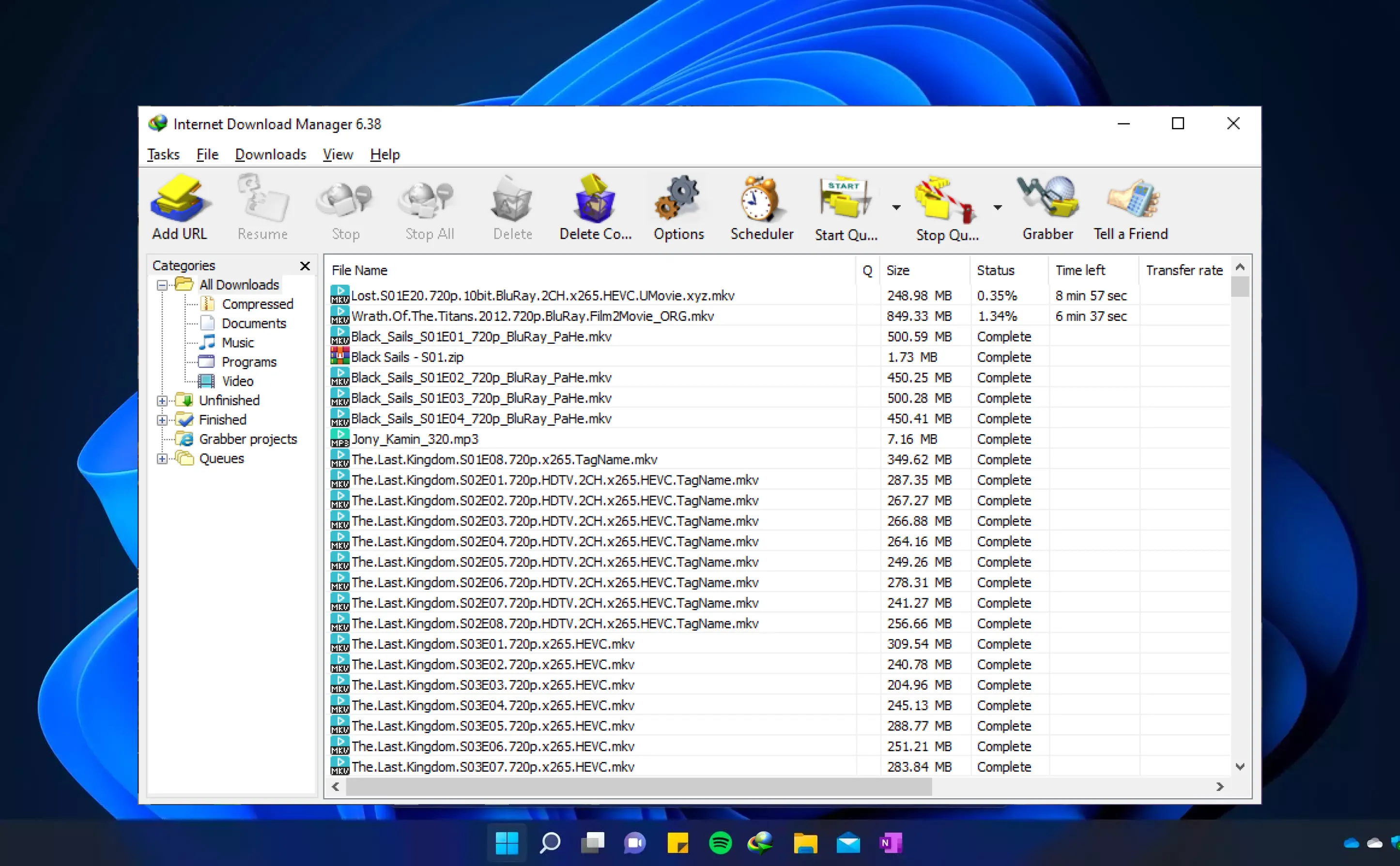
Internet Download Manager (IDM) is the long-standing king of speed in the download manager category. It's a Windows-only application famous for its proprietary smart download logic accelerator. IDM is best for users who prioritize raw download speed and reliability for large file transfers.
Key Features
-
Dynamic File Segmentation: This technology dramatically increases download speed by intelligently segmenting files.
-
Resume Capability: IDM excels at resuming broken downloads caused by network issues or power outages.
-
Scheduler: It lets you schedule when downloads should start and stop, or even synchronize files.
Pros and Cons
Pros:
-
Industry-leading download acceleration and reliability.
-
Extremely stable with decades of development and updates.
-
Seamless integration with all major Windows browsers.
Cons:
-
Outdated and somewhat clunky user interface.
-
Does not support P2P protocols like BitTorrent.
-
Only available for Windows operating systems.
Pricing
Free Trial – 30 Days Internet Download Manager offers a fully functional 30-day free trial. After this period, you’ll need to purchase a license to continue using all features.
One-Year License – $11.95 Full access for one PC with one year of updates included.
Lifetime License – $24.95 Unlimited use for one PC with free updates for life.
One-Year License for Multiple PCs – $9.95 per PC A one-year plan for two or more PCs at a discounted per-device rate.
Lifetime License for Multiple PCs – $19.95 per PC Lifetime access for two or more PCs, including all future updates, at a reduced per-PC price.
Ant Download Manager vs IDM: Feature-by-Feature Comparison
Ease of Use
AntDM has a clear advantage here. Its interface is modern, clean, and feels like a current Windows application. The onboarding is straightforward.
IDM, by contrast, has an older, utilitarian interface. While functional, it can feel clunky and dated for new users.
Features & Functionality
This is where the two apps diverge. IDM focuses almost entirely on maximizing the speed and reliability of standard file (HTTP/FTP) downloads. Its dynamic segmentation is top-notch.
AntDM is more of an all-in-one solution. It handles standard downloads well but also adds BitTorrent support and superior tools for grabbing audio and video streams—even allowing for simple edits.
Performance & Reliability
When it comes to pure speed, IDM still generally holds the crown due to its highly optimized download engine. For maximizing speed on a fast connection, IDM is hard to beat.
However, AntDM is very fast and reliable, too. IDM's long-standing reputation for resuming broken downloads is a slight edge in reliability.
Pricing
Both offer a 30-day free trial, which is great for testing. AntDM offers a cheaper one-time lifetime license than IDM's lifetime option. IDM's pricing is slightly higher, reflecting its industry-leading speed, but both are very affordable one-time purchases.
Compatibility & Platforms
This is a critical distinction: Both are primarily for Windows. IDM is only available on Windows. AntDM is also a Windows-only desktop app. Neither offers a native app for macOS, Linux, Android, or iOS, though they integrate via browser extensions.
Comparison Table
|
Category |
Ant Download Manager (AntDM) |
Internet Download Manager (IDM) |
|
Best For |
Video/media downloads, BitTorrent, modern look. |
Maximum download speed, file transfer reliability. |
|
Platform |
Windows (Desktop only) |
Windows (Desktop only) |
|
Price |
Free (Basic), Paid (Full-Pro) via 1-Year or Lifetime License. |
Paid via 1-Year or Lifetime License (30-day trial). |
|
BitTorrent |
Yes, full P2P support is included. |
No, only supports HTTP/FTP protocols. |
|
User Interface |
Modern, clean, and customizable. |
Dated and somewhat clunky. |
Final Verdict
Choosing between Ant Download Manager and IDM comes down to your primary use case.
If you are a power user for whom raw download speed and absolute reliability on large, standard HTTP/FTP files are the most important factors, then Internet Download Manager (IDM) is still the one to pick. Its speed engine is unmatched, and its resume capability is legendary.
However, if you are looking for a more all-in-one tool that excels at grabbing streaming video, has BitTorrent built in, and features a modern, attractive interface, you should choose Ant Download Manager (AntDM). It offers excellent performance and a better feature set for modern media consumption.
Why not try both? Since both offer a 30-day free trial, install them side-by-side. See which one integrates better with your favorite browser and gives you the best real-world download speeds.
Start your free trial today and finally take control of your download speed!
FAQs
What does a download manager do?
A download manager accelerates downloads by splitting files into segments and downloading them simultaneously. It also allows you to pause and resume downloads reliably and helps you organize your files.
Is Ant Download Manager free?
Ant Download Manager has a free version with limited features. Its full-featured Full-Pro version requires a paid license after a 30-day free trial.
Is Internet Download Manager (IDM) worth the cost?
For many users, yes. If you regularly download large files and need the fastest, most reliable download speeds and guaranteed resume capability on Windows, IDM's one-time license fee offers excellent value.
Do AntDM and IDM support macOS or Linux?
No. Both Ant Download Manager and Internet Download Manager are native desktop applications designed exclusively for Windows operating systems.
Which one is better for downloading videos?
Ant Download Manager is generally better for video downloading. It has a more robust and frequently updated media grabber and includes video editing tools that IDM does not offer.


