
Creating eye-catching YouTube thumbnails is just as important as making the video itself. A good thumbnail grabs attention, boosts clicks, and helps your content stand out in a sea of competition. But here’s the problem, most free thumbnail makers either slap a watermark on your design or limit the customization so much that it barely looks unique.
That’s where free, no-watermark YouTube thumbnail generators come to the rescue. These tools not only save time but also give you professional-looking results without extra cost. In this blog, we’ve handpicked the Top 3 Free YouTube Thumbnail Generators (No Watermark) that actually deliver.
Whether you’re a beginner creator or someone looking to upgrade your thumbnail game, this guide will help you pick the right tool without wasting hours testing random apps.
Best Tools to Design YouTube Thumbnails Free
1. ChatGPT (DALL-E)
ChatGPT isn’t just a text tool anymore, it’s also a powerful AI that can generate YouTube thumbnails in seconds. With its built-in image generation features, you can create professional, eye-catching designs that match your video’s vibe. Plus, it’s completely free with no watermark.
Key Features
-
AI-powered thumbnail generation from simple prompts
-
Customizable styles (colors, fonts, layouts)
-
Fast output with minimal effort
-
Works directly inside ChatGPT, no third-party tools needed
Pros
-
100% free with no watermark
-
Super beginner-friendly — no design skills required
-
Flexible style options to fit any niche
Cons
-
Requires clear prompts for best results
-
Limited advanced editing inside ChatGPT itself
-
Sometimes designs may need tweaking in external tools
-
Few image generations per day which make it hard for corrections
Limitations of Free & Paid Versions
-
Free: Already gives you access to high-quality, no-watermark thumbnails (2 images/day)
-
Paid (ChatGPT Plus): Unlocks faster image generation, higher quality outputs, and more advanced customization (Unlimited use)
Why We Chose This Option
We picked ChatGPT because it’s versatile, accessible, and free with no hidden catches. Unlike other tools that restrict resolution or force watermarks, ChatGPT gives you professional results instantly. It’s perfect for creators who want speed, simplicity, and creative flexibility without learning complex design software.
2. VidIQ AI Thumbnail Generator
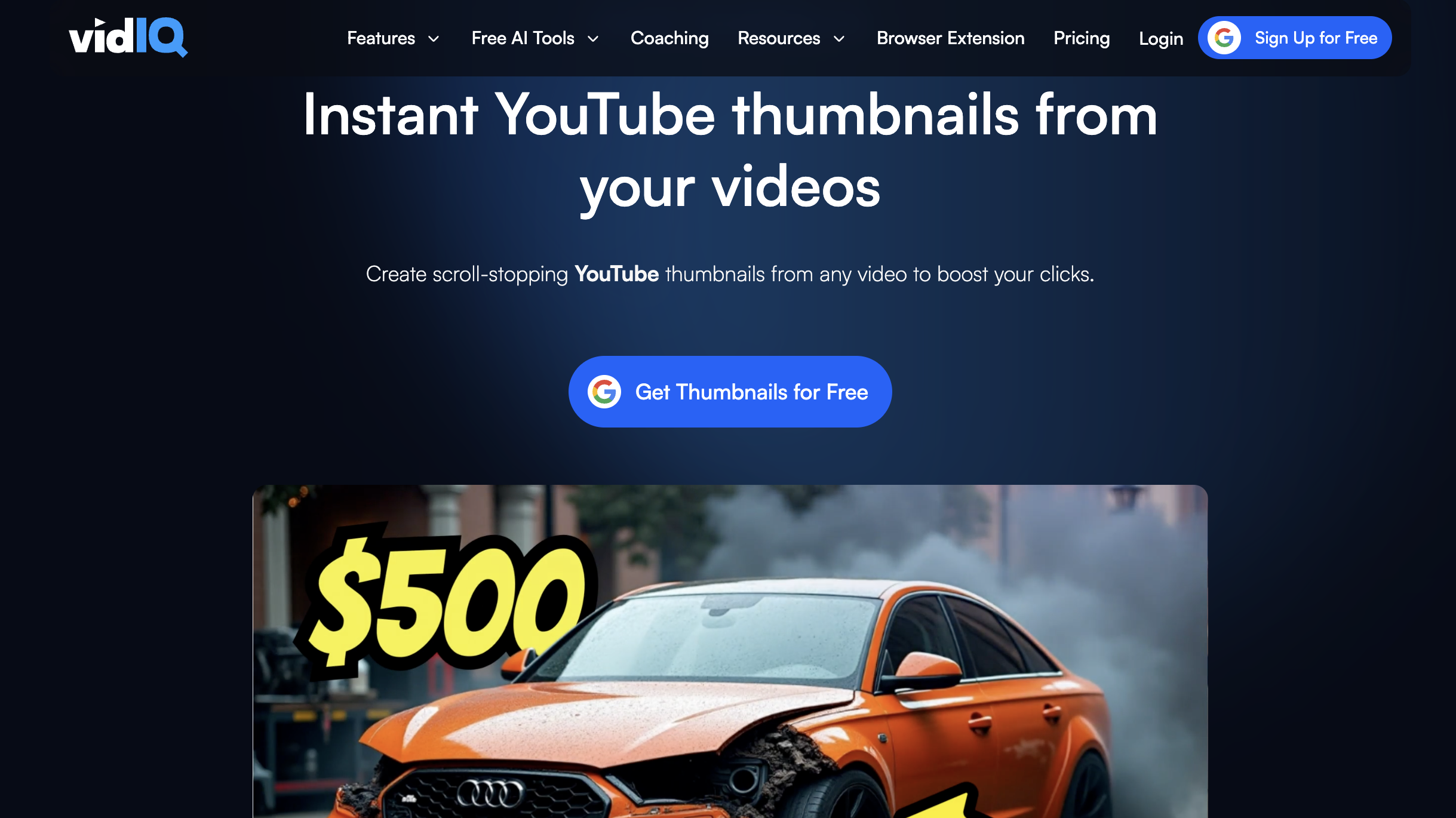
VidIQ is already a popular tool among YouTubers for keyword research, SEO, and analytics. But it also comes with an AI-powered thumbnail generator that’s surprisingly good. It helps you create optimized thumbnails that don’t just look great, but are also designed to boost clicks and engagement. You just need to open an account using the email with which you opened your YouTube account with.
Key Features
-
AI-generated thumbnails tailored for YouTube
-
Option to upload your own images and combine with AI designs
-
Integrated with YouTube SEO tools for data-driven design
-
Can also use references from other creators
Pros
-
Focuses on creating thumbnails that drive more views
-
Works seamlessly with other VidIQ tools
-
Easy-to-use interface
-
The free version has no watermark
Cons
-
Requires signing up for a VidIQ account
-
Fewer customization options compared to design-focused tools
-
Some templates can look a bit “generic”
Limitations of Free & Paid Version
-
Free: Access to AI thumbnail generation with no watermark
-
Paid (VidIQ Pro & Boost): Unlocks advanced customization, more template options, and deeper integration with SEO data to maximize video performance.
Why We Chose This Option
We included VidIQ because it’s more than just a thumbnail generator, it’s part of a full YouTube growth toolkit. If you’re serious about both design and performance, VidIQ gives you an edge. It combines creativity with data, making it a smart choice for creators focused on channel growth.
3. Gemini’s Nano Banana

Google’s Gemini AI has been making waves, and its lightweight Nano Banana model offers a surprisingly effective thumbnail generator. It’s fast, runs smoothly even on smaller devices, and creates clean, modern-looking thumbnails. For creators who value simplicity and accessibility, this is a strong free option.
Key Features
-
AI-driven thumbnail creation with simple prompts
-
Lightweight and fast — works well on mobile and desktop
-
Generates sharp, high-resolution designs
-
Completely watermark-free
Pros
-
Free to use with no hidden limitations
-
Smooth, lightweight performance
-
Beginner-friendly with clean, minimal designs
-
Works across devices (desktop and mobile)
Cons
-
Fewer creative styles compared to other AI tools
-
Designs can sometimes feel too “minimalist”
-
Editing options aren’t as detailed as Canva or Photoshop
-
Doesn't give pictures in the required ratio (need to use other AI to fix that)
Limitations of Free & Paid Versions
-
Free: Full access to thumbnail generation without watermarks. (50-100 thumbnails/day)
-
Paid (Gemini Advanced): Unlocks faster generations, broader design libraries, and smarter customization tools for branding. (Unlimited thumbnails/day)
Why We Chose This Option
We chose Gemini’s Nano Banana because it’s lightweight, efficient, and accessible. Unlike heavier tools, it doesn’t slow you down or overwhelm you with complex features. It’s perfect for creators who want polished, no-watermark thumbnails without dealing with clutter or steep learning curves.
Final Verdict
All three of these tools deliver free, no-watermark thumbnails, but they shine in different ways.
-
ChatGPT is perfect if you want creativity and flexibility with AI-generated designs.
-
VidIQ AI is the best choice if you want thumbnails that are optimized for performance and growth.
-
Gemini Nano Banana is ideal for those who prefer simple, clean designs on a lightweight tool.
FAQs
1. Are these YouTube thumbnail generators completely free?
Ans: Yes, all three options (ChatGPT, VidIQ AI, and Gemini’s Nano Banana) allow you to create thumbnails for free without leaving watermarks.
2. Do I need graphic design skills to use these tools?
Ans: Not at all. These tools are built for beginners and content creators with no design background.
3. Which thumbnail generator is best for beginners?
Ans: ChatGPT is the most beginner-friendly since you only need to type prompts to get thumbnails.
4. Can I use these tools for commercial YouTube channels?
Ans: Yes, you can freely use the thumbnails created for both personal and monetized YouTube channels.
5. Do these tools support custom images or branding?
Ans: VidIQ and Gemini let you upload custom images and logos. ChatGPT designs can also be customized further using external tools like Canva or Photoshop.
6. Which tool creates the most click-worthy designs?
Ans: VidIQ AI stands out for performance-focused thumbnails designed to improve CTR (click-through rate).
7. Can I generate multiple thumbnail variations at once?
Ans: Yes, VidIQ AI can generate multiple variations quickly, so you can choose the best one.
8. Do these tools work on mobile devices?
Ans: Yes. ChatGPT and Gemini Nano Banana work smoothly on mobile, while VidIQ AI is best used on desktop for full features.
9. Do I need to install software to use these tools?
Ans: No installation is needed — all of them work online. ChatGPT and Gemini are cloud-based, and VidIQ runs as a browser extension or web app.
10. Which tool is best for advanced customization?
Ans: VidIQ AI (paid version) offers the most advanced customization, especially if you want SEO-driven thumbnails.
11. Can I use these thumbnail generators outside of YouTube?
Ans: Yes. You can use the thumbnails for social media posts, blogs, or even marketing campaigns since they’re watermark-free.
12. Do thumbnails created by AI look unique?
Ans: Yes, but it depends on the prompts or templates you choose. ChatGPT allows more creative freedom, while Gemini tends to be cleaner and minimalistic.
13. Should I upgrade to the paid version?
Ans: If you’re a casual YouTuber, the free versions are enough. If you’re growing a serious channel and want maximum customization or speed, upgrading is worth it.


