


You're about to click "Download" on that important document when suddenly your computer freezes. The fan starts whirring like a jet engine, and you're left staring at a spinning wheel of death. If you're running an older PC or budget laptop, you've probably experienced the frustration of resource-heavy antivirus software.
Here's the good news!
You don't need to choose between security and performance. But why is that?
In 2025, several lightweight antivirus solutions can shield your low-end PC from threats without turning it into a digital paperweight.
We've tested dozens of options on aging hardware to bring you the five best performers that actually work on systems with limited RAM, older processors, and minimal storage.
Whether you're running a 2015 laptop with 4GB RAM or a budget desktop that struggles with multiple browser tabs, this guide will help you find the perfect security solution that won't slow you down.
Reliable Protection Without Slowing Down Your Low-End PC
1. Bitdefender Antivirus
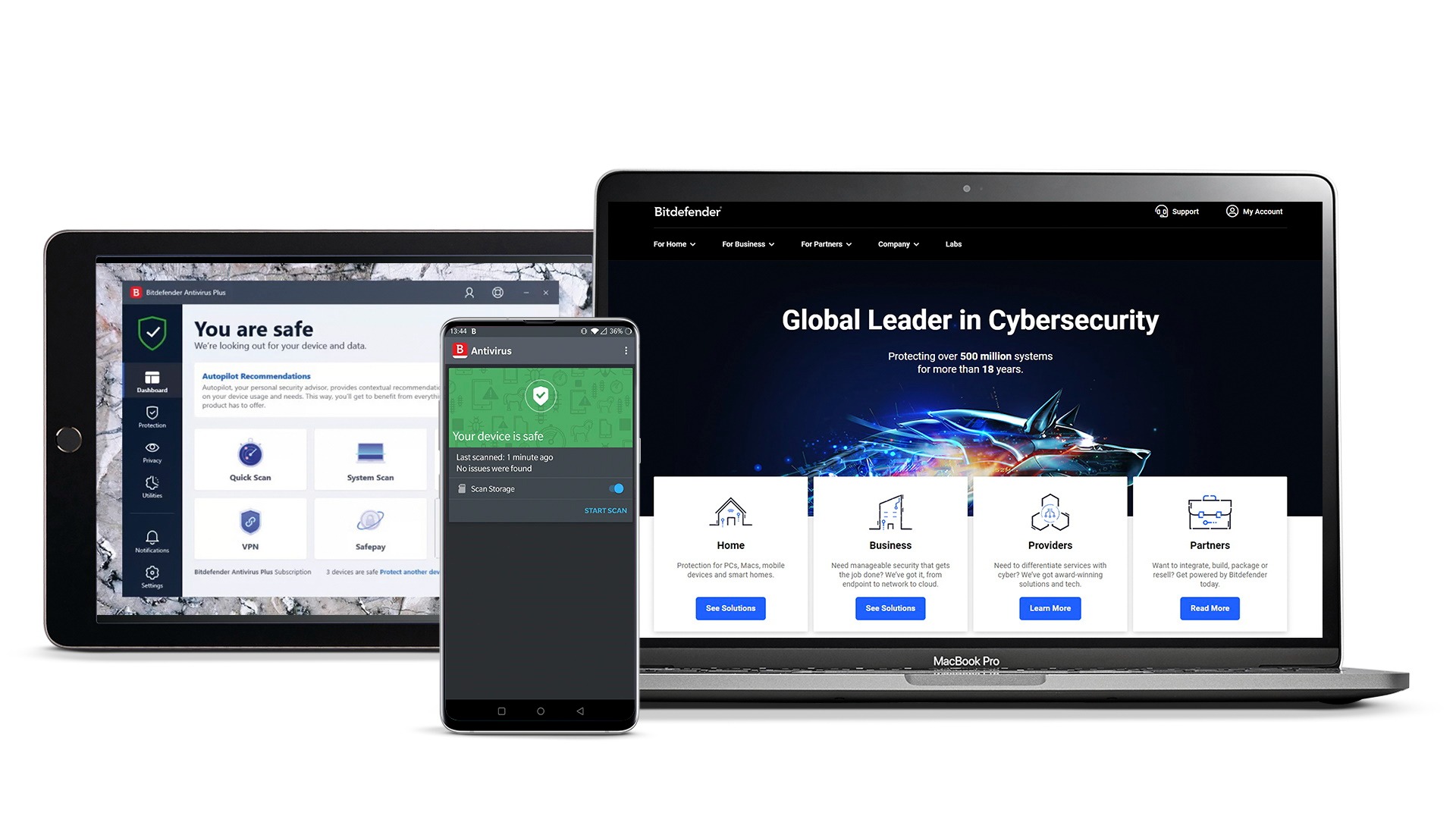
Bitdefender Free uses cloud-based detection. This means the heavy lifting happens on their servers, not your computer. Our testing found this accurate. AV-Test and AV-Comparatives have praised Bitdefender's performance. It's ideal for older systems.
Key Features
You get real-time protection and automatic virus scanning. It also scans USB drives and provides a clean, ad-free experience. The interface is simple. No confusing menus or unnecessary pop-ups.
Limitations
It offers basic protection only. You won't get a firewall or email scanning. Direct customer support is not available. However, it's perfect for "set-it-and-forget-it" protection.
Why We Choose This
Bitdefender is one of the best free antivirus programs. It stops almost all malware attacks with a 99.97% detection rate. This keeps your system fast while providing enterprise-level protection. It's also very easy to use with a clean interface.
Rating
- PCMeg: 4.5/5
- CNET: 4.8/5
- Cybernews: 4.6/5
2. Avast One Basic

Avast offers more features than many competitors. Its intelligent engine runs smoothly in the background. It won't cause system freezes or performance issues.
Key Features
This solution provides real-time antivirus protection. You also get ransomware defense and 5GB of weekly VPN data. Wi-Fi security scanning is included. It's like getting a complete security suite for free.
Limitations
You'll see occasional upgrade prompts. These encourage you to buy the premium version. The VPN data is limited to 5GB per week. Full system scans can temporarily spike CPU usage.
Why We Choose This
Avast gives you more than just antivirus protection. You get a VPN, Wi-Fi security, and ransomware protection for free. It has excellent malware detection and runs smoothly on your computer.
Rating
- PCMeg: 4.5/5
- Tech Radar: 4.0/5
- PC World: 3.5/5
3. ESET Online Scanner
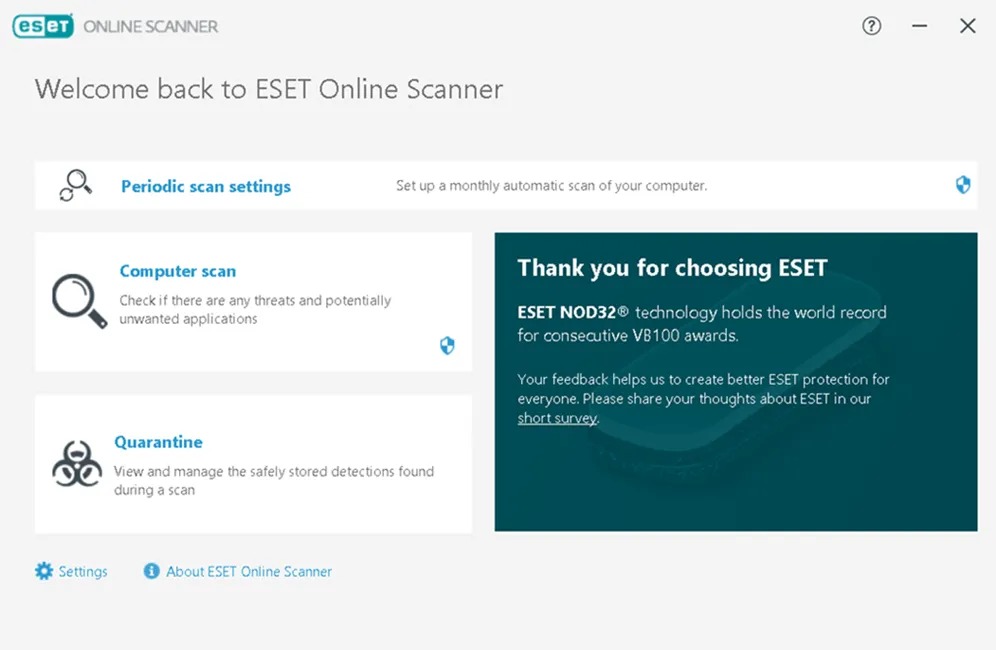
No installation is required with this tool. This cloud-based tool only runs when you need it. It's perfect for systems that can't handle resident antivirus software. It's also great for users who prefer minimal system impact.
Key Features
The scanner provides powerful on-demand scanning. It has excellent malware detection capabilities. It can remove infections that other programs might miss. This makes it valuable for deep system cleaning.
Limitations
There's no real-time protection available. You'll need to manually run scans when you want to check your system. You must have an active internet connection for it to work.
Why We Choose This
ESET Online Scanner is great for finding hidden threats. It can catch malware that other programs miss. You don't need to install it on your computer. It's perfect for checking if your system is infected.
4. Microsoft Defender
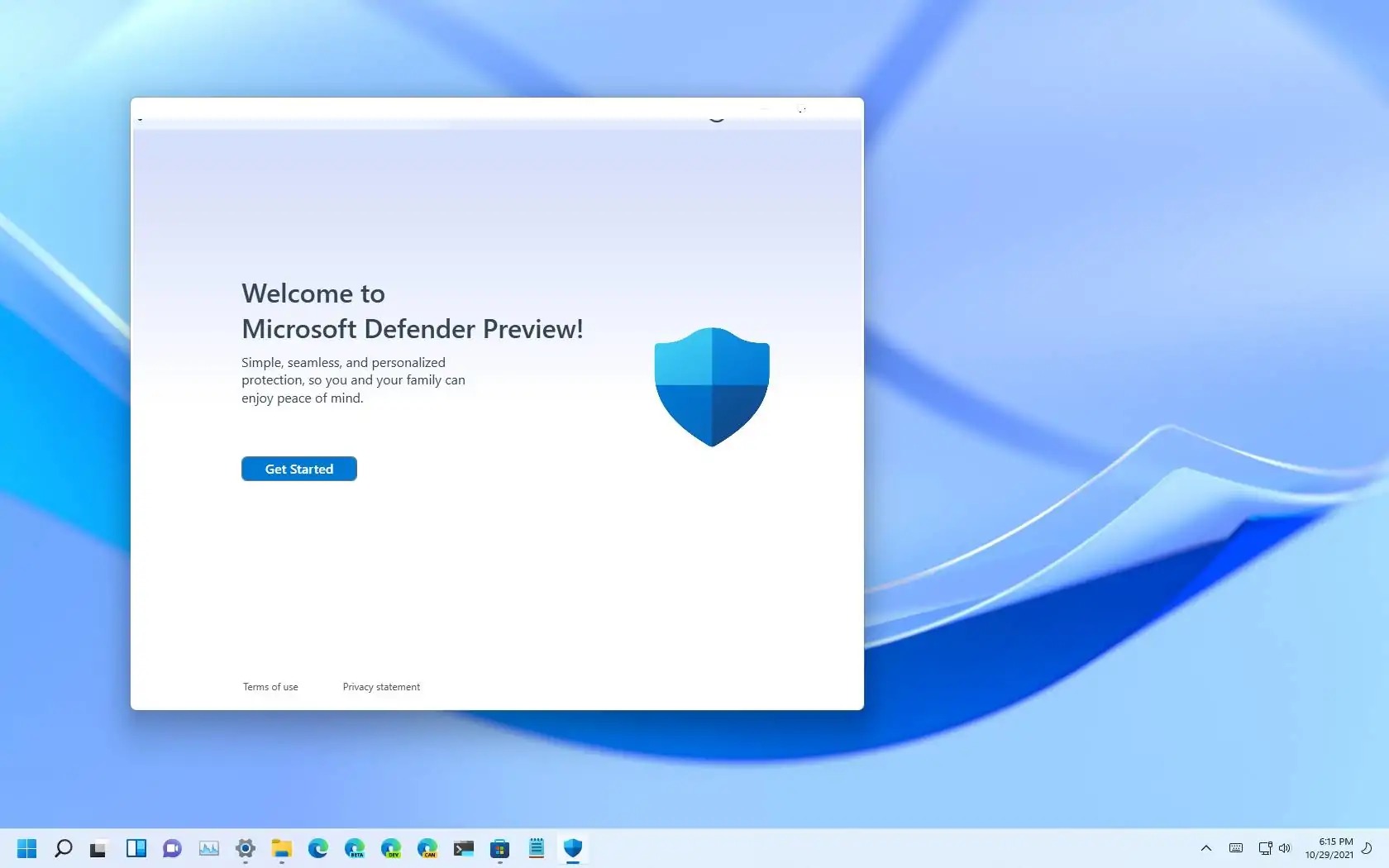
Microsoft designed this antivirus specifically for Windows systems. This ensures maximum compatibility and minimal resource conflicts with your operating system.
Key Features
You receive real-time protection and automatic updates. It integrates seamlessly with Windows. Since it's already built into Windows, there's no additional installation stress on your system. It works well with other Windows components.
Limitations
Protection levels are adequate but not industry-leading. You'll find limited advanced features compared to specialized antivirus programs.
Why We Choose This
Microsoft Defender comes built into Windows. It works well with your computer and doesn't need extra setup. It provides decent protection and gets regular updates from Microsoft automatically.
Rating
- PCMeg: 3.5/5
- Software Lab: 2.0/5
- Tom's Guide: 4.0/5
5. Malwarebytes
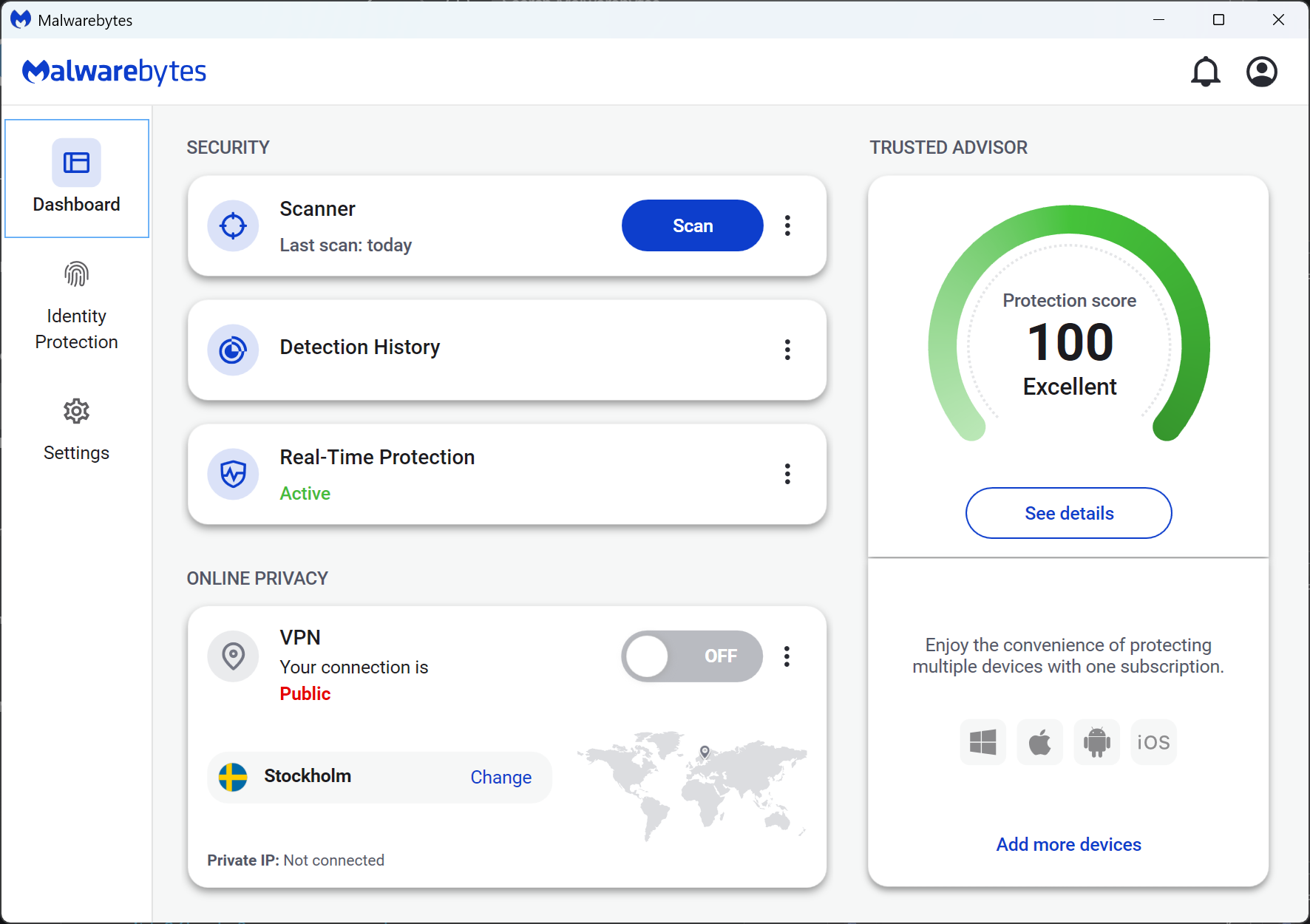
This solution runs only when you activate it manually. No background processes consume RAM or CPU cycles. This makes it ideal for resource-constrained systems.
Key Features
The software specializes in detecting adware and potentially unwanted programs. It also finds rootkits. It's excellent at finding threats that traditional antivirus programs might miss. This makes it a valuable supplementary tool.
Limitations
There's no real-time protection available. You'll need to start scans manually. You should consider this as supplementary protection, not primary antivirus software.
Why We Choose This
Malwarebytes is the best tool for removing adware and unwanted programs. It finds threats that regular antivirus programs often miss. It only runs when you start it, so it doesn't slow down your computer.
Rating
- PCMeg: 4.0/5
- Tech Radar: 3.5/5
- PC World: 3.5/5
Making the Right Choice for Your System
If your PC has 4GB RAM or less, go with Bitdefender Free or Microsoft Defender. Both are optimized for minimal resource usage.
If you want maximum features, choose Avast One Basic for its VPN and ransomware protection, but monitor system performance during scans.
If you're dealing with an infected system, start with ESET Online Scanner or Malwarebytes Free to clean existing threats, then install a real-time solution.
If you prefer simplicity, Stick; with Microsoft Defender – it's already installed and works adequately for most users.
Comparison Table
|
Antivirus |
Price |
Real-Time Protection |
Resource Usage |
Best For |
Key Limitation |
|
Bitdefender |
Free |
Yes |
Ultra-low |
Beginners who want simple protection |
No customer support |
|
Avast One Basic |
Free |
Yes |
Low-medium |
People who need a VPN and antivirus |
Limited VPN data |
|
ESET Online Scanner |
Free |
No |
Minimal |
Tech users for deep system cleaning |
No real-time protection |
|
Microsoft Defender |
Free |
Yes |
Optimized |
Windows users who like built-in tools |
Limited advanced features |
|
Malwarebytes |
Free |
No |
Very low |
Users with infected computers |
Manual scanning only |
The Bottom Line
Finding effective antivirus protection for low-end PCs isn't about compromise anymore. Each option in this guide offers genuine security benefits tailored to different needs and system capabilities. The key is matching your specific requirements with your computer's limitations.
Remember, even the lightest antivirus software requires some system resources. Combine your chosen solution with regular system maintenance, software updates, and safe browsing habits for optimal security and performance. Your aging PC can still provide years of reliable service with the right protection strategy.


