


Picking illustration software feels a lot harder than it should. Every app promises to be the one that unlocks your creativity, and every forum thread has someone swearing by a different tool. The truth is simpler than the marketing makes it sound. Some illustration software is built for vector precision and branding work. Some are built for painting and comic art. Some are free, some cost a small fortune, and a couple sit somewhere in between.
This guide breaks down five of the most trusted illustration tools available right now. Whether you're a logo designer, a comic artist, a hobbyist sketching on an iPad, or a studio picking software for a whole team, you'll find something here that fits your workflow and your budget.
Now let us look into the top 5 illustration software you can use today.
Adobe Illustrator
Adobe Illustrator is the industry-standard vector graphics app, used for logos, icons, typography, and print or digital artwork. Designers reach for it when a project demands total precision, since every shape stays fully scalable without losing quality. It's ideal for professional designers, branding agencies, and anyone who needs to hand off files that other studios can open without a hitch.
Key Features
-
Industry-standard vector pen and shape tools for logos, icons, and typography
-
Image trace to convert raster artwork into clean vector paths
-
Deep integration with Photoshop, InDesign, and the wider Creative Cloud suite
-
Cloud libraries for syncing colors, fonts, and assets across devices
-
Generative AI credits for tasks like text-to-vector and pattern generation, depending on plan
-
Works on desktop and iPad, with file syncing between the two
Ratings
Capterra: 4.8/5
G2: 4.6/5
Pros and Cons
Pros
-
Unmatched precision for vector work and print production
-
Works seamlessly with other Adobe apps
-
Constant updates and new AI-assisted tools
-
Huge community, so tutorials and plugins are easy to find
Cons
-
No perpetual license option, subscription only
-
Steep learning curve for beginners
-
Can feel heavy on older machines
-
Full Creative Cloud access costs significantly more than the single-app plan
Pricing
Illustrator is subscription-only. The single-app plan for Adobe Illustrator is $22.99/month (annual, billed monthly) or $34.49/month (month-to-month, cancel anytime). Adobe does not advertise a separate “full-year upfront” price of $263.88 in 2026; the standard annual commitment is $22.99 × 12 ≈ $275.88. In 2026, Adobe’s business/teams pricing for Illustrator is typically structured as ~$33.99/user/month (annual, billed monthly) for the single-app Teams plan; the “All Apps”/“Pro for Teams” bundle is closer to ~$79.99/user/month, not $99.99. Exact figures vary by region and contract, but $99.99 is higher than the publicly listed standard rate. There's no permanent free version, though a free trial is available, so you can test it before paying.
How the Fileion Team Analyzed and Picked This Tool
We evaluated Illustrator based on its vector precision, cross-app integration, and its performance in professional production pipelines compared to newer competitors.
CorelDRAW Graphics Suite
CorelDRAW Graphics Suite is a veteran in vector design, known for combining illustration, layout, and photo editing in one package. It's aimed at print professionals, sign makers, and small business owners who want a complete design toolkit without having to rent software forever. It's especially popular with users who want the option to own their license outright.
Key Features
-
Full vector illustration toolkit alongside Corel Photo-PAINT for raster editing
-
AI-powered vector tracing and background removal
-
Real-time co-editing for teams working on the same file
-
Works across Windows, macOS, iPad, and the web
-
Strong page layout tools for brochures, signage, and multi-page documents
Ratings
Tech Radar: 4.0/5
PCmag: 4.0/5
Pros and Cons
Pros
-
Choice between subscription and one-time perpetual license
-
Combines vector, photo editing, and layout in a single suite
-
Strong for print and sign-making workflows
-
15-day free trial with full features unlocked
Cons
-
Perpetual license doesn't include future major version upgrades
-
Interface feels dated next to some competitors
-
Smaller plugin and tutorial ecosystem than Illustrator
-
AI features still trail behind Adobe's toolset
Pricing
CorelDRAW Graphics Suite is available as a yearly subscription for about $269, or $39 a month, alongside a one-time perpetual license for around $549. The subscription includes every update released during the active period, while the one-time purchase does not carry future updates. A lighter standard edition is also sold at a lower price for users who don't need the full toolset. A 15-day free trial is available with no credit card required.
How the Fileion Team Analyzed and Picked This Tool
We looked at CorelDRAW's flexibility between subscription and ownership, its print-focused feature set, and how it performs for users who need layout tools alongside vector illustration.
Affinity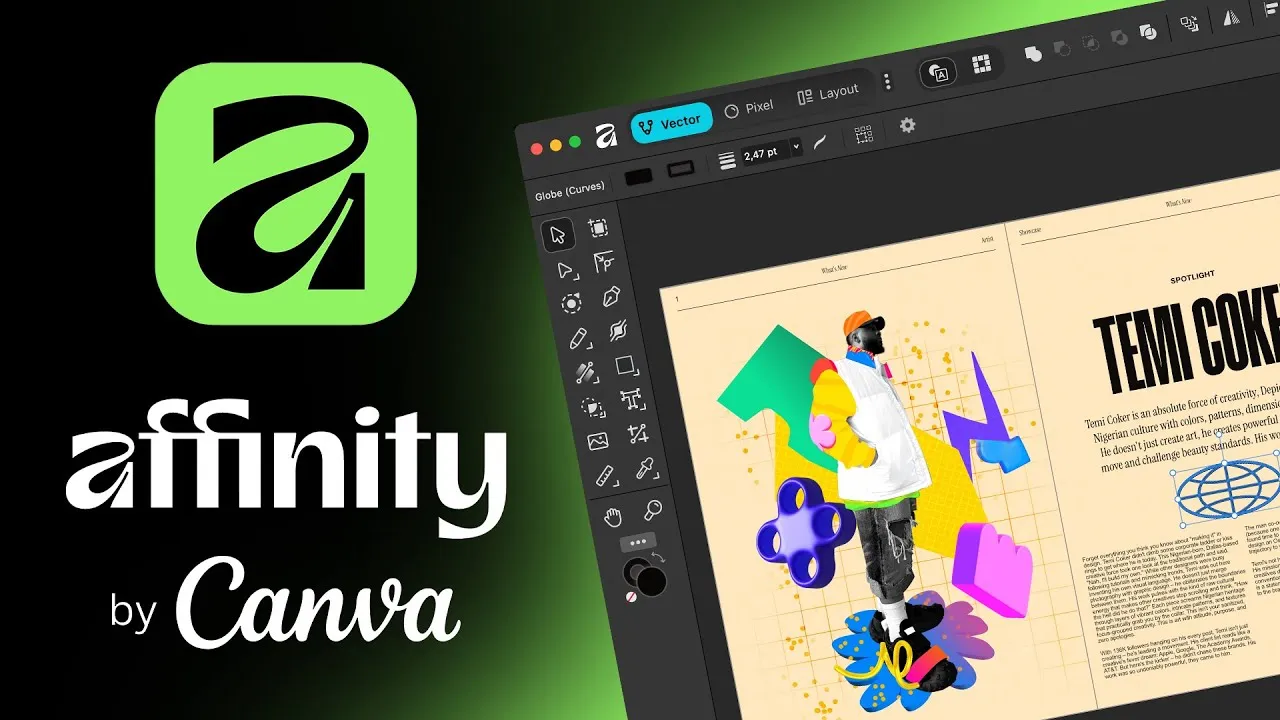
Affinity, formerly sold as three separate apps including Affinity Designer, went through a major shift after Canva's acquisition of its parent company. It now ships as a single unified app covering vector design, photo editing, and page layout. It's ideal for illustrators, students, and freelancers who want professional tools without a recurring bill.
Key Features
-
Combined vector, pixel, and layout modes in one app
-
Real-time rendering with GPU acceleration for smoother large-file editing
-
Native Canva integration for teams already using Canva
-
Full commercial licensing included at no extra cost
-
Imports Illustrator files and PDFs, with clean handling of vector shapes and paths
Ratings
PCMag: 4.5/5
Amateur Photographer: 4.5/5
Pros and Cons
Pros
-
Entire core app is free, with no stripped-down limitations
-
Combines vector, raster, and layout tools without switching apps
-
No subscription fees for standard design work
-
Files stay local, so there's no forced cloud dependency for basic use
Cons
-
AI-powered tools require a paid Canva subscription
-
Smaller brush and asset library than dedicated painting apps
-
iPad version availability has lagged behind desktop releases
-
Newer unified app means some legacy workflows from the old three-app setup have changed
Pricing
As of mid-2026, Affinity is not free. Canva’s acquisition did not eliminate pricing; Affinity apps, namely Designer, Photo, and Publisher, remain paid, one-time purchases or part of a paid “Affinity Universal” license, with no official “free forever” professional suite requiring only a Canva account.
Advanced AI-powered tools like generative fill sit behind a paid Canva Pro subscription, which starts around $144 a year. Everything that runs locally, including vector editing, RAW development, and batch exports, stays free permanently.
How the Fileion Team Analyzed and Picked This Tool
We evaluated Affinity based on its shift to a free pricing model, the breadth of its combined toolset, and how it holds up against paid competitors for everyday illustration work.
Clip Studio Paint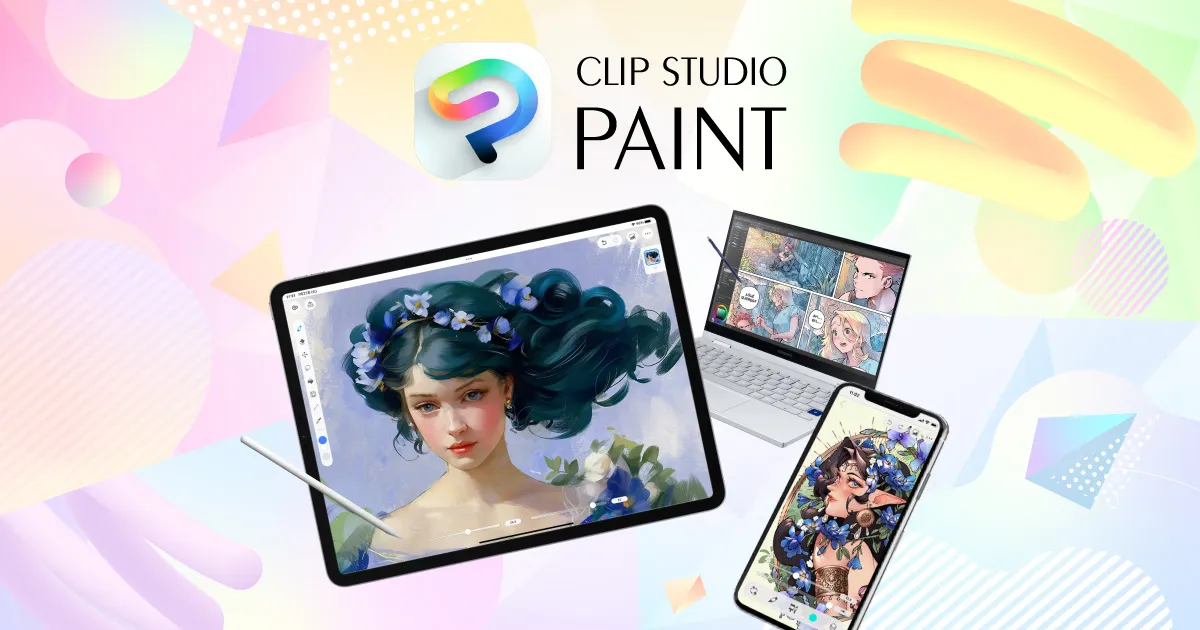
Clip Studio Paint is the go-to choice for comic artists, manga creators, and illustrators who want a deep brush engine built specifically for drawing and painting. It supports everything from single-page illustration to full comic layouts and frame-by-frame animation. It's ideal for artists who care more about natural brush feel than vector precision.
Key Features
-
Extensive customizable brush engine with strong pressure sensitivity support
-
Panel and page templates built for comic and manga production
-
Frame-by-frame animation tools included in the EX version
-
Access to Clip Studio Assets, a community marketplace for brushes and materials
-
Cross-platform support across Windows, macOS, iPad, iPhone, and Android
Ratings
Capterra: 4.7/5
Play Store: 4.4/5
Pros and Cons
Pros
-
Best-in-class brush engine for painting and inking
-
Rare perpetual license option in a subscription-heavy market
-
Purpose-built tools for comics, manga, and animation
-
Active community offering shared brushes and assets
Cons
-
EX version, which unlocks animation and multi-page tools, costs significantly more than PRO
-
Interface can overwhelm first-time users
-
Some long-time users have criticized the shift toward subscription options for a tool once known for one-time pricing
-
Not built for vector-heavy branding or print production work
Pricing
In 2026, Clip Studio Paint’s perpetual pricing is roughly: PRO ~$59.99 and EX ~$249–$269, which varies by promo/region. Subscriptions are commonly listed around $4.99/month (PRO) and higher for EX. A free trial is available, so you can test the brush engine before committing to either license type.
How the Fileion Team Analyzed and Picked This Tool
We assessed Clip Studio Paint on its brush quality, comic and animation-specific tools, and the flexibility of choosing between perpetual and subscription pricing.
Procreate
Procreate is a painting and illustration app built exclusively for iPad, known for its clean interface and natural brush feel. It's a favorite among concept artists, hobbyists, and anyone who wants a portable sketching setup without a laptop. It skips the subscription model entirely in favor of a single upfront payment.
Key Features
-
Over 200 customizable brushes covering painting, inking, and texture work
-
Apple Pencil support with responsive pressure and tilt sensitivity
-
Time-lapse recording of every artwork for sharing process videos
-
Layer-based editing with blend modes and adjustment tools
-
Procreate Dreams, a separate animation app, available for motion work
Ratings
App Store: 4.5/5
G2: 4.9/5
Pros and Cons
Pros
-
One-time purchase with no subscription ever required
-
Intuitive interface that's approachable for beginners
-
Excellent brush and layer performance on modern iPads
-
Regular free updates included with the original purchase
Cons
-
iPad exclusive, with no Windows, macOS, or Android version
-
No native desktop file sync for teams working across devices
-
Limited to Apple hardware, which adds to the real cost of entry
-
Not designed for vector illustration or CMYK print production
Pricing
Procreate for iPad is still a $12.99 one-time purchase. However, Procreate Dreams launched at $19.99 but has been updated/positioned variably; some regions and promos show $19.99–$24.99. Procreate Pocket remains a one-time purchase, around $5.99–$6.99 depending on region and App Store changes. The core claim is mostly correct; only minor regional variance applies. There's no free trial, but the low upfront cost makes it an easy entry point for most artists.
How the Fileion Team Analyzed and Picked This Tool
We evaluated Procreate based on its brush quality, ease of use for beginners, and the value of its one-time pricing model compared to subscription-based competitors.
Comparison Table
|
Software |
Best For |
Platform |
|
Adobe Illustrator |
Vector precision and branding work |
Windows, macOS, iPad |
|
CorelDRAW Graphics Suite |
Print, signage, and layout work |
Windows, macOS, iPad |
|
Affinity |
Free professional design suite |
Windows, macOS |
|
Clip Studio Paint |
Comic, manga, and painting |
Windows, macOS, iPad, Android |
|
Procreate |
iPad painting and sketching |
iPad only |
Final Verdict
There's no single best illustration software; it depends entirely on what you're drawing and where you're drawing it. If your work revolves around logos, branding, or print production that needs to move between studios without compatibility issues, Adobe Illustrator remains the safest bet despite the subscription cost. If you want that same level of vector power but prefer owning your license outright, CorelDRAW is worth a serious look.
For anyone put off by subscription pricing altogether, Affinity now stands out as the most surprising option on this list. A full professional suite at zero cost is hard to argue with, unless you specifically need its AI tools.
Clip Studio Paint is the clear pick for comic artists and illustrators who care more about brush feel and page layout than vector precision. And if you're working exclusively on iPad and want the simplest possible setup, Procreate's one-time price tag is tough to beat.
Think about your platform, your budget, and whether vector precision or natural painting matters more to your work. That's really the deciding factor here.
FAQs
What is the best free illustration software?
Affinity is currently the strongest free option, offering a full vector, photo, and layout toolkit at no cost. Its advanced AI features do require a paid Canva subscription, but the core professional toolset is free with no restrictions.
Is Adobe Illustrator better than CorelDRAW?
Illustrator has a larger community, deeper Creative Cloud integration, and is more widely used in professional studios. CorelDRAW offers a perpetual license option and stronger built-in layout tools, which makes it appealing for users who want to own their software outright.
Which illustration software is best for comic and manga artists?
Clip Studio Paint is purpose-built for comic and manga work, with panel templates, a strong brush engine, and animation tools bundled into its EX version.
Can I use Procreate on a laptop or desktop?
No. Procreate is built exclusively for iPad, with a separate iPhone version called Procreate Pocket. There's currently no Windows, macOS, or Android version.
What should I look for in illustration software?
Consider whether you need vector precision or natural painting tools, which platforms you work on, and whether a subscription or one-time purchase fits your budget better. Also check file compatibility if you collaborate with other designers or studios.


